
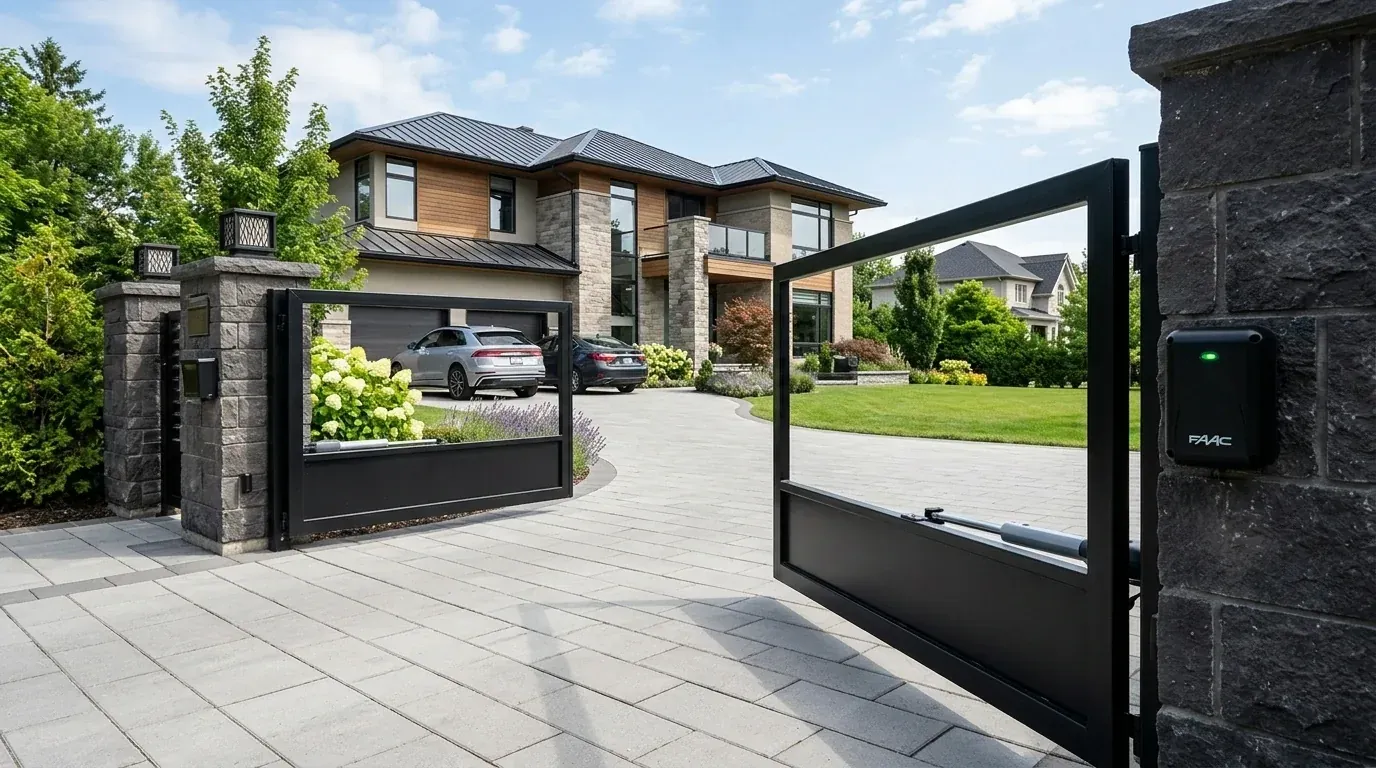
An automatic gate opening by itself is a security problem and a safety one. It is also almost always caused by a real electrical signal reaching the control board, not by a ghost in the machine. Something is telling the board to run, and the job is to find out what.
This guide covers seven causes behind a gate that opens on its own or closes without a command, how to tell them apart, and how to work through them safely.
First, Make the Gate Safe
Until you find the cause, treat the gate as live equipment that could move at any moment.
- Keep children, pets, and vehicles clear of the opening.
- Do not leave anyone standing in the gate path while you test.
- If the movement is frequent, switch the opener off at the isolator and use the manual release until the fault is fixed.
- Leave mains electrical work to a licensed electrician.
Write down the date, time, and weather each time the gate opens on its own or closes without a command. That log narrows the cause faster than any other step.
Seven Causes of Unexpected Gate Movement
1. Auto-Close Is Doing Its Job
Before hunting for a fault, check the settings. Many boards have an auto-close timer that shuts the gate after a set delay. If someone enabled it, or a technician set it during a service visit, the gate closing by itself is expected behavior.
How to tell: the gate closes a consistent number of seconds after every opening, never at random, and never opens on its own.
Fix: adjust the delay or switch auto-close off in the controller settings. Keep the photocells working either way.
2. A Stuck or Faulty Wall Button
A push button, keyswitch, or intercom release wired to the trigger input tells the board to run whenever the contact closes. A jammed button, a crushed cable, or a screw through a wire does the same thing.
How to tell: the gate runs a full cycle at odd times, often repeatedly. Disconnecting the button stops it.
Fix: with the power off, disconnect the wall button wires at the control board and run the gate on the remote for a day. If the problem stops, the fault is in that button or its cable. Check for staples through cable, damp junction boxes, and buttons that do not spring back.
3. Water or Corrosion in the Control Box
Moisture is the most common reason a gate opens on its own. Water bridges two terminals, and the board reads that as a command. Insects nesting across contacts do the same thing.
How to tell: the gate closing by itself or opening happens during or after rain, or in the early morning when condensation forms. Opening the box shows damp, rust, or green deposits on terminals.
Fix: turn the power off. Dry the enclosure fully. Clean corroded terminals. Reseal cable entries from below, and check that the lid gasket is intact and the door closes square. Make sure the cable glands point downward so water does not run into the box.
4. A Remote With a Stuck Button
A remote at the bottom of a bag, under a car seat, or pressed against keys in a pocket can transmit repeatedly. If it is parked within range, the gate keeps responding.
How to tell: movement follows people rather than weather. It often stops when a certain car leaves.
Fix: collect every remote and check that no button is jammed. Remove the batteries one remote at a time and watch for a day. Replace any remote with a sticky or sunken button.
5. Extra Paired Remotes or a Cloned Code
Receivers store codes. Over the years, contractors, past residents, and cleaners may all have been given remotes. Older systems with fixed codes are also easy to copy, and a neighbor on the same DIP switch setting can open your gate by accident.
How to tell: the gate opens at fairly regular times of day, such as when a neighbor comes home. The receiver has more codes stored than you have remotes.
Fix: clear the receiver memory, usually by holding the learn button until the LED goes out, then re-pair only the remotes you still hold. If the system uses fixed codes, move to a rolling code system, which sends a different code each press. Our gate access control guide covers keypads and tags, which are easier to manage than spare remotes.
6. Loop Detectors and Sensors Misfiring
Free-exit loops, safety loops, and photocells all feed the board. A loop cut that has filled with water, a loop wire damaged by a crack in the driveway, or a detector set too sensitive can trigger phantom vehicles.
How to tell: the gate opens but never closes on its own, or it reopens immediately after closing. The detector LED flickers with no vehicle present.
Fix: watch the detector indicators for a few minutes with nothing in the driveway. Reseal the loop cut if water is getting in. Reduce detector sensitivity one step at a time. For photocells, clean the lenses, check alignment, and look for sunlight shining directly into the receiver eye. Our guide to gate safety sensors explains how these devices signal the board.
7. Board Faults, Surges, and Interference
The last group is electrical. A relay that sticks closed, a board damaged by a lightning surge, or a failing receiver module can all produce commands nobody sent. Strong radio noise from nearby equipment can occasionally do the same on older fixed-code receivers.
How to tell: the fault continues after every external input has been disconnected. There may be scorch marks, a burnt smell, or repeated error codes.
Fix: disconnect the radio receiver module and all external inputs, leaving only power and the motor. If the gate still runs on its own, the board is the fault and needs replacement. Fit surge protection where lightning is common. Where gate opener interference is suspected, switch off nearby LED drivers, solar inverters, and chargers and retest. True gate opener interference is rare on rolling code systems.
A Step-by-Step Diagnosis
Work in this order so each test rules something out.
Step | What to do | What it rules out |
|---|---|---|
1 | Check auto-close and timer settings | Normal programmed behavior |
2 | Keep a log of times and weather | Narrows to weather, people, or random |
3 | Remove batteries from all remotes for 24 hours | Stuck button, cloned or extra remotes |
4 | Open and inspect the control box for damp and insects | Water bridging terminals |
5 | Disconnect the wall button and keyswitch wiring | Faulty button or damaged cable |
6 | Disconnect loop detectors and photocell inputs | Sensor misfires |
7 | Disconnect the receiver module | Radio commands and interference |
8 | If the fault remains, replace the board | Confirms an internal fault |
At each step, leave the system running for long enough to be sure. If the gate normally misbehaves once a day, a two-hour test proves nothing.
Patterns That Point Straight to a Cause
Pattern | Most likely cause |
|---|---|
Only in or after rain | Water in the control box or loop cut |
Same time each evening | A neighbor's remote or a timed device |
Right after every opening | Auto-close timer |
Opens, then reopens on closing | Photocell or safety loop fault |
Several cycles in a row | Stuck button or stuck relay |
Started after a storm | Surge damage to the board |
Security Steps Worth Taking Anyway
Whatever the cause turns out to be, these steps reduce risk and prevent repeat automatic gate problems on any site:
- Clear and re-pair the receiver memory once a year
- Keep a written list of who holds a remote
- Use a keypad or app for visitors instead of handing out spare remotes
- Add an electric lock on high-security sites, as covered in our guide to electric gate locks
- Service the gate two to four times a year, using our maintenance schedule
When to Call an Installer
Call a professional if the gate moves with every external input disconnected, if there is water damage or scorching inside the housing, if the movement happens several times a day, or if the gate is on a shared or commercial entrance where the risk to other people is higher.
Getting Back to Normal Operation
An automatic gate opening by itself is a symptom, and the list above covers nearly every source of it. Settings first, then remotes, then water, then wiring, then sensors, then the board. Most owners find the cause within the first four steps.
Every opener from Gate Opener Factory ships with English manuals, wiring diagrams, and parameter tables, which makes it easier to see which inputs are connected and what each setting does. If you work through these automatic gate problems and the cause of the automatic gate opening by itself is still unclear, contact our team with your model and your log of when the gate moved.

Frequently Asked Questions
Key engineering and selection answers regarding this topic
A: On older fixed-code systems, yes. If two systems share the same code setting, either remote can trigger both gates. Rolling code systems send a different code each press, which prevents this and blocks copied signals.
A: Water is almost certainly bridging terminals in the control box or in a loop cut. Dry and reseal the enclosure, point cable glands downward, and check the lid gasket. Reseal any cracked loop slots in the driveway.
A: Yes. Anyone or anything in the opening can be struck or trapped. Keep people and vehicles clear, and switch the opener off at the isolator and use the manual release until the fault has been found and fixed.
A: Usually not. That is the auto-close timer working as set. You can change the delay or turn it off in the controller settings. Keep photocells fitted and working before using auto-close.
A: Rarely. A reset clears stored settings and sometimes the limit positions, but it does not fix water, a stuck button, or a faulty relay. Find the input causing the command first, then reprogram if needed.
Explore Related Automation Systems
Looking for motors, hardware, or installation systems mentioned in this guide? Discover our factory-direct gate opener range:
All Gate Openers
Browse DC24V sliding, swing & barrier operators with full factory warranty.
Explore Products →Residential Gate Operators
Ultra-quiet, solar-ready sliding & swing gate motors for homes and villas.
Residential Solutions →Commercial Gate Systems
Continuous-duty operators for gated communities, business parks & parking.
Commercial Solutions →Industrial Heavy-Duty
High-torque motors engineered for gates up to 4,000 kg and logistics hubs.
Industrial Solutions →